


WW3 Commander Script handles the strategic side of this Roblox war game rather than just clearing enemies for you. Auto Rockets keeps your missile launches firing without you tracking cooldowns or targets manually, and it pairs with the kind of automated targeting players rely on in the Missile Wars Script for the same reason, since manually timing rocket strikes in a game built around large scale combat wastes time better spent managing the rest of your base.
Smart Combat is the part that actually separates this from a basic auto fight toggle. Instead of attacking whatever’s closest, it reads the situation and picks engagements that are worth taking, which matters more here than in a straight arena shooter since a bad fight can cost you resources you needed elsewhere. Defense ESP rounds it out by showing you exactly where threats to your base are forming before they become a real problem, giving you the same kind of early warning setup players lean on with the Strike Warfare Script.
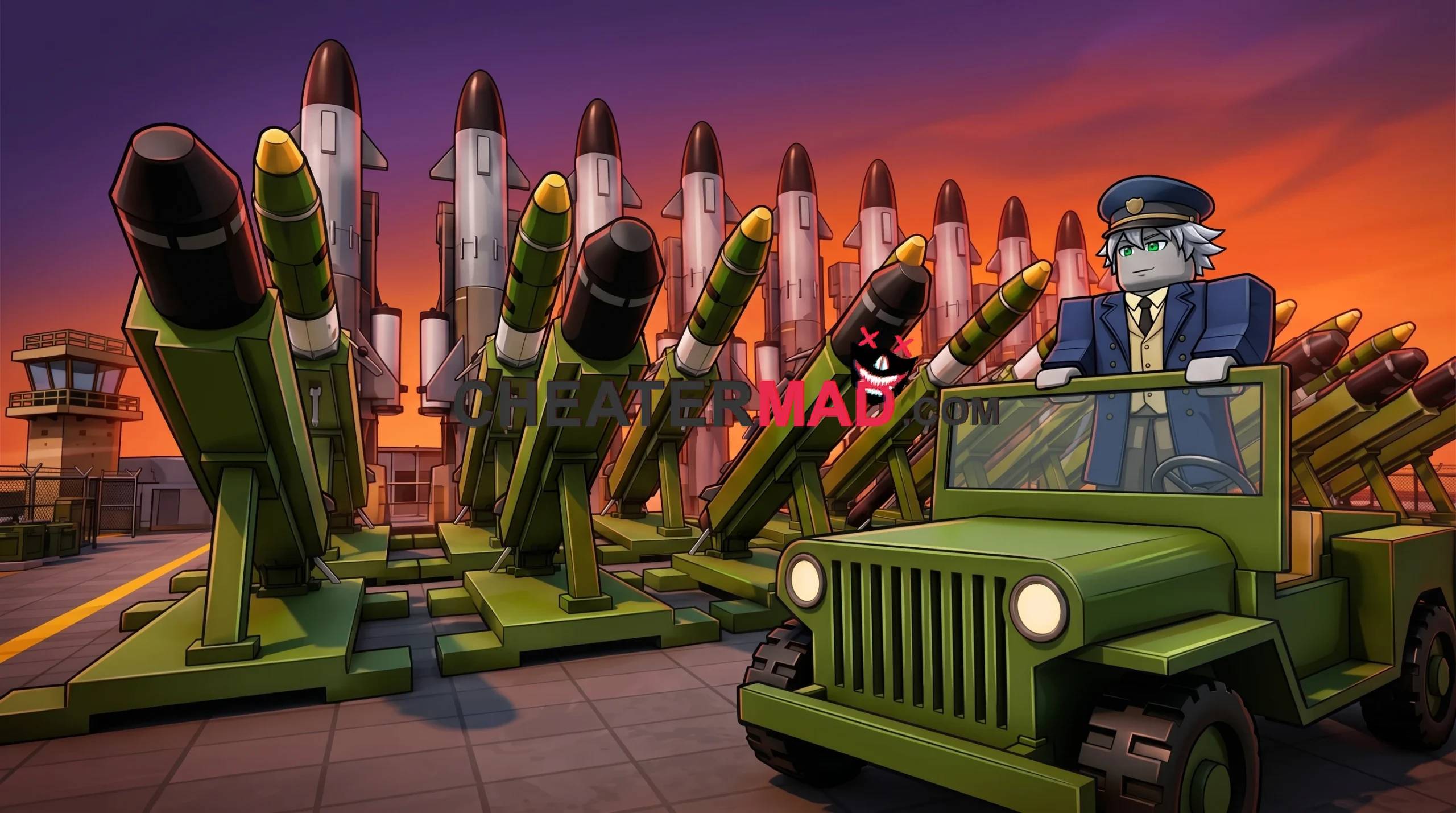
WW3 Commander Script Features
- Auto Rockets: fires missile strikes automatically without manual targeting
- Smart Combat: engages fights selectively instead of attacking everything on sight
- Defense ESP: flags incoming threats to your base before they arrive
How To Use WW3 Commander Script
- Load into WW3 Commander and open your executor
- Paste the script code below in
- Execute and wait for the menu to load
- Turn on Defense ESP first so you can see what’s coming before you commit to Auto Rockets and Smart Combat
WW3 Commander Script Pastebin Code:
loadstring(game:HttpGet("https://raw.githubusercontent.com/Sparths/robloxscripts/refs/heads/main/ww3commanderscript.lua"))()
