


UNDERTALE Fight Script keeps the combat loop running in this Roblox UNDERTALE game. Auto Play drives the whole match, Auto Fight handles the attacks, and Auto Dodge reacts to incoming shots, similar to the react-and-fight automation behind the Something Boss Fights Script, another boss-focused game where dodging matters just as much as dealing damage.
The dodge timing here is worth calling out specifically since UNDERTALE-style combat is built around reading attack patterns rather than just mashing through them, and Auto Dodge reads those patterns for you instead of you reacting frame by frame.
UNDERTALE Fight Script Features
- Auto Play: automates gameplay activities throughout the match
- Auto Fight: attacks opponents automatically
- Auto Dodge: dodges incoming attacks automatically during battles
- Auto Boss: automates boss battle activities
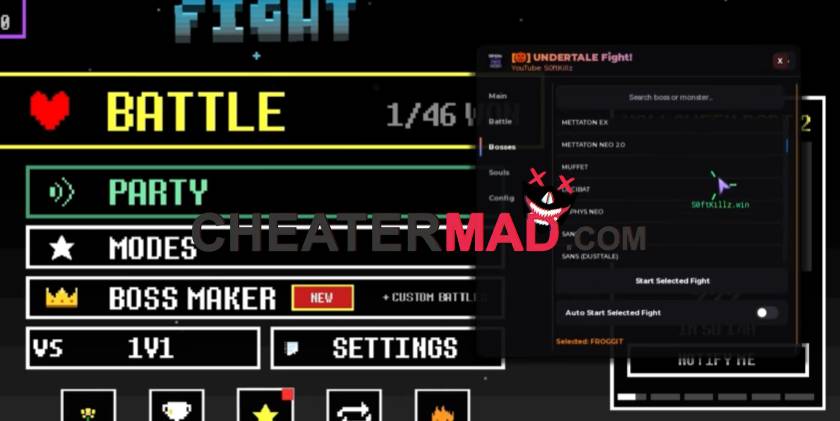
UNDERTALE Fight Script Auto Boss handles the tougher encounters on its own, and that is where most players hit a wall manually since boss patterns are more varied and less forgiving than regular fights. The same type of boss automation shows up in the Anime Duelists Script 2026, where knowing when to switch strategies mid-fight matters more than raw damage output. Auto Play ties it all together, keeping the session going from one fight to the next without you managing the match flow between rounds.
How To Use UNDERTALE Fight Script
- Load into UNDERTALE Fight and open your executor
- Paste the script code below
- Execute and wait for the menu
- Turn on Auto Dodge and Auto Fight first, then enable Auto Boss for the tougher encounters
Script Code:
loadstring(game:HttpGet("https://pastebin.com/raw/VZhHdEcK"))()
