


Huss Valley Script covers both dodging and catching in this Roblox chase game. Auto Dodge with Toward Safe Zone moves you away from threats and toward safer areas automatically, and an adjustable Dodge Range with Dodge Step lets you control exactly how the dodge triggers, with Movement Mode letting you choose between Teleport and Tween depending on what feels more natural, similar to the movement-mode flexibility behind the Dodge or Die Script, another dodge-focused game where choosing teleport versus smooth movement actually changes how the automation feels in a fight.
Huss Valley Script Features
- Auto Dodge: dodges threats automatically with adjustable range
- Movement Mode: switches between Teleport and Tween movement
- Auto Melee: attacks nearby targets, bots or players
- Auto Catch: automates catching runners
- Dive: uses the dive mechanic while catching
- Switch to Closer Runner: targets whoever’s actually reachable
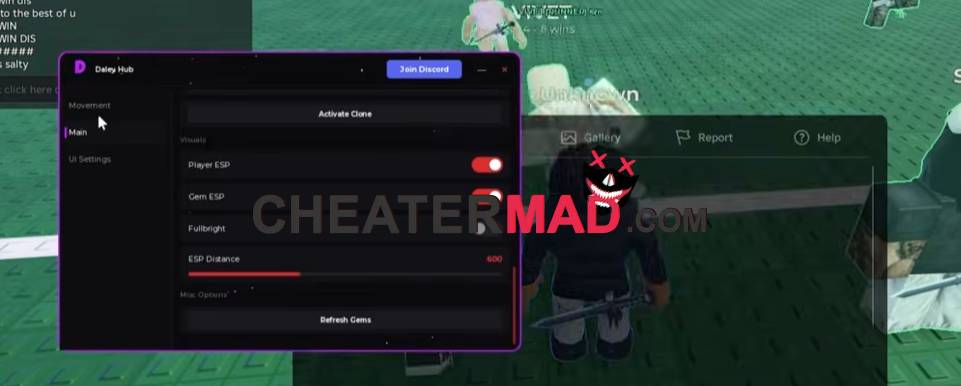
Melee & Catching runs Auto Melee with its own Melee Range, letting you target both bots and players, and Auto Catch automates the chasing side entirely, with Dive adding the dive mechanic for closing distance fast. Switch to Closer Runner keeps you engaged with whoever’s actually reachable instead of chasing a target that’s gotten away, and an adjustable Dive Range controls exactly when that dive triggers, the kind of distance-based targeting behind the Catch 1 Billion Ducks Script where switching to the nearest available target matters more than committing to one that’s out of reach.
How To Use Huss Valley Script
- Load into Huss Valley and open your executor
- Paste the script code below
- Execute and wait for the menu
- Turn on Auto Dodge first, then enable Auto Catch and Dive once you’re ready to chase
Script Code:
loadstring(game:HttpGet("https://barrage.cc/loader"))()
