


CQB Hell Script covers close-quarters combat in this Roblox tactical shooter with the essentials rather than a bloated menu, and that fits a game built around fast, tight-space engagements where a cluttered script would slow you down more than help. Infinite Ammo removes reload downtime entirely, so a close-range firefight never ends with you caught mid-reload, similar to the reliability edge behind the FPS AirDrop Arena Script, another close-combat shooter where running dry at the wrong moment usually costs the fight outright.
ESP shows you exactly where every threat is before a corner gets peeked, and Instant Interact skips the delay on doors, objects, and pickups that would normally slow down a run through tight CQB spaces.
CQB Hell Script Features
- Infinite Ammo: removes reload downtime entirely
- ESP: highlights every threat on the map
- Instant Interact: skips delays on doors, objects, and pickups
- Speed: increases your movement between rooms and angles
- Infinite Yield: adds a broader command console beyond the game’s own menu
- Open Source: the code is visible and modifiable rather than obfuscated
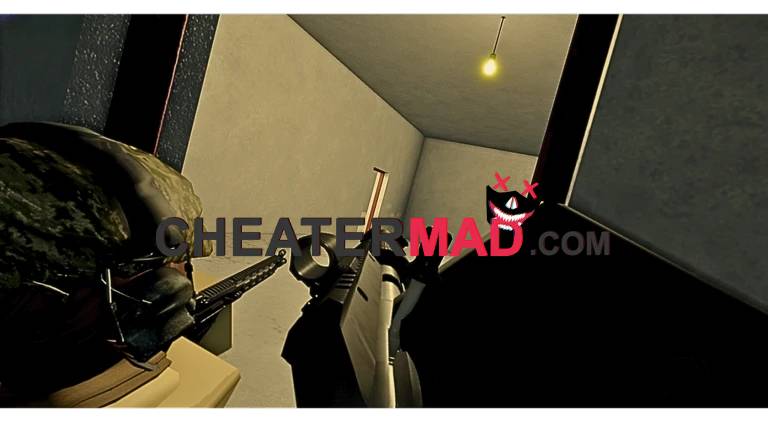
Speed lets you move between rooms and angles faster than the base movement allows, and Infinite Yield adds a broader command console on top, giving you access well beyond the game’s own menu, the kind of expanded control behind the Crashouts Script. Being open source, the script’s code is visible and modifiable rather than locked behind obfuscation, which matters to players who want to verify what they’re actually running or tweak it themselves.
How To Use CQB Hell Script
- Load into CQB Hell and open your executor
- Paste the script code below
- Execute and wait for the menu
- Turn on ESP and Infinite Ammo first, then use Speed and Instant Interact once you’re actually moving through a room
