


Drive a Cart Downhill Script covers the ride and the progression in this Roblox cart game. Auto Drive and Auto Ride keep you moving without holding any keys, and Auto Drive Fast switches to the quicker mode when you want to push speed, similar to the hands-off driving behind the Dog Race Script, another downhill game where keeping the momentum going matters more than steering carefully. Auto Buy Best Cart upgrades your ride when a better option is available, Auto Kaboom handles the Kaboom feature, Auto Horn fires the horn, Auto Jump handles jumps, and Camera Zoom lets you pull back for a wider view.
Drive a Cart Downhill Script Features
- Auto Drive / Auto Drive Fast: automates driving and enables a faster mode
- Auto Buy Best Cart: purchases the best available cart automatically
- Auto Kaboom: handles the Kaboom feature
- Auto Jump: automates jumping
- Camera Zoom: adjusts the camera zoom level
- Auto Farm: automates farming activities
- Auto Rebirth: automates rebirths
- Auto Boost / Stat Boost: applies boosts and improves stats automatically
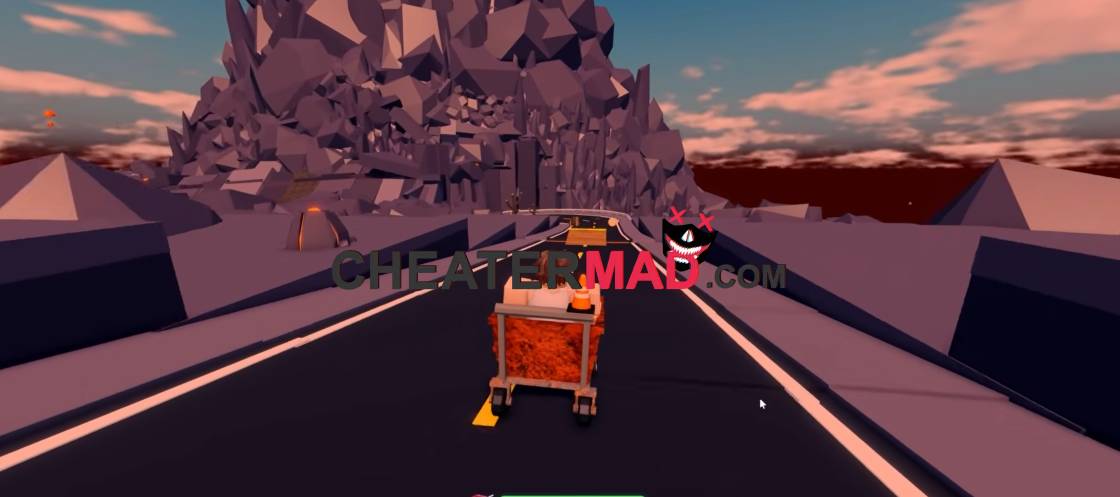
Progression keeps itself moving too. Drive a Cart Downhill Script Auto Farm runs in the background, Auto Rebirth resets you as soon as it is available, and Auto Boost with Stat Boost applies your boosts and builds your stats without you timing them, the same rebirth-and-boost rhythm behind the Cars VS Tape Script, where stacking bonuses correctly is what separates a good run from a fast one.
How To Use Drive a Cart Downhill Script
- Load into Drive a Cart Downhill and open your executor
- Paste the script code below
- Execute and wait for the menu
- Turn on Auto Drive Fast and Auto Farm first, then enable Auto Rebirth and Auto Boost
Script Code:
loadstring(game:HttpGet("https://raw.githubusercontent.com/iLove-yuri/leeeeesbian/refs/heads/main/homumado.lua"))()
