


Make Viral Candy Script automates the candy production and the order choices in this Roblox candy shop game. Auto Make runs production from configurable presets, and Best Pay Preset, Biggest Orders Preset, Highest Pay Orders, and Pay Per Second Orders decide which customers to serve first, similar to the order-priority logic behind the Automate a Restaurant Script, another shop game where choosing the right order matters more than finishing every order. Rock Candy Only Preset narrows production to a single product when that pays best.
Make Viral Candy Script Features
- Auto Make: automates candy making with configurable production presets
- Best Pay / Biggest Orders / Rock Candy Only Presets: choose how production is prioritized
- Highest Pay Orders / Pay Per Second Orders: prioritizes the most rewarding orders
- Rock Candy / Cotton Candy Recipe: supports automated production of these candies
- Fruit Skewer / Candied Pumpkin Recipe: supports these recipes as well
- Every Candy Shape: supports all available candy shapes
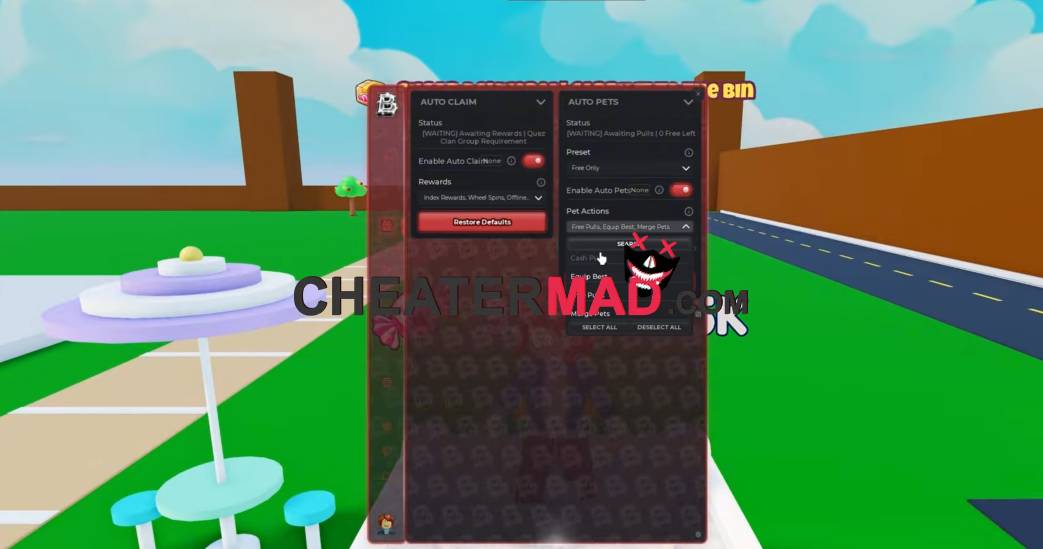
Recipe coverage is broad. Make Viral Candy Script Rock Candy, Cotton Candy, Fruit Skewer, and Candied Pumpkin recipes are all supported, and Every Candy Shape handles whichever shape an order asks for, the same recipe-driven production behind the Craft Food Script, where following each recipe correctly is what produces a sellable item.
How To Use Make Viral Candy Script
- Load into Make Viral Candy and open your executor
- Paste the script code below
- Execute and wait for the menu
- Pick a preset such as Best Pay first, then turn on Auto Make
Script Code:
loadstring(game:HttpGet("https://barrage.cc/loader"))()
