


TrenchLine Tower Defense Script automates where your troops go and how they grow in this Roblox war defense game. Smart Deploy places troops for maximum road coverage, Style Presets give you ready-made deployment setups, and Deploy Coverage lets you choose Front, Middle, or Base End positions, similar to the placement logic behind the Superbox Siege Defense Script, another defense game where covering the enemy route well matters more than stacking units in one place.
Live Placement Queue and Placement Queue Preview show what will be placed next, Deploy Assist helps with positioning, and Deploy Priority sets the order troops are deployed.
TrenchLine Tower Defense Script Features
- Smart Deploy: deploys troops for maximum road coverage
- Style Presets: predefined deployment configurations
- Deploy Coverage: supports Front, Middle, and Base End positions
- Live Placement Queue / Preview: shows the upcoming placement order
- Deploy Assist / Deploy Priority: assists with positioning and sets deployment order
- Auto Upgrade: upgrades deployed units with configurable strategies
- Balanced / Damage First / Cheapest First: choose how upgrades are prioritized
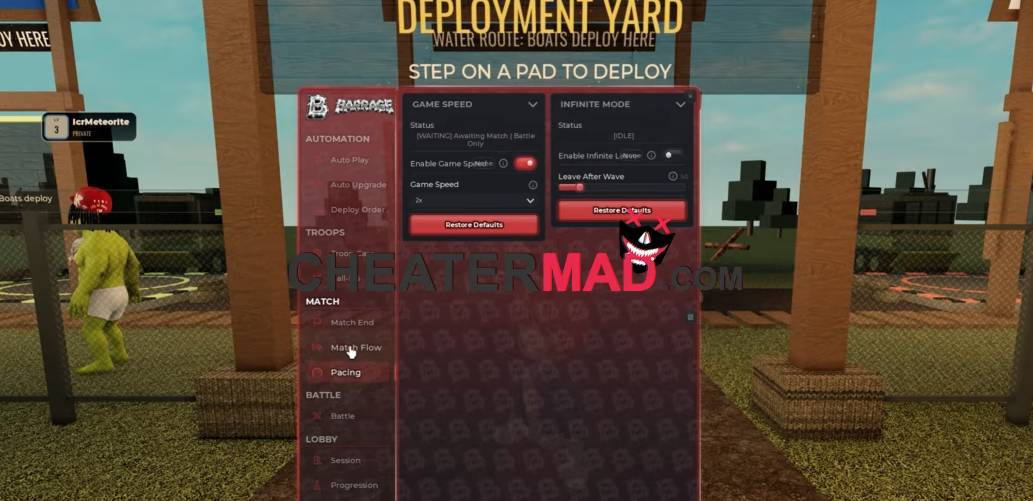
Upgrades follow configurable strategies. Auto Upgrade improves deployed units, Balanced spreads priority across your units, Damage First focuses on damage upgrades, and Cheapest First buys the lowest cost upgrades first, the same strategy-driven spending behind the Skibi Defense Script, where choosing which unit to upgrade first has a big effect on how far you get.
How To Use TrenchLine Tower Defense Script
- Load into TrenchLine Tower Defense and open your executor
- Paste the script code below
- Execute and give the menu a moment to load
- Pick a Style Preset and Deploy Coverage first, then turn on Smart Deploy and Auto Upgrade
Script Code:
loadstring(game:HttpGet("https://barrage.cc/loader"))()
