


FATHOM Script shows you what matters in this Roblox horror game before you walk into it. The item options for Fuse, Bandage, Stamina Drink, Crowbar, Other Pickups, and AI Terminal mark the things you need to survive and progress, and Search Spots points out where to look, similar to the item-and-threat detection behind the He Ate Them Script, another horror game where knowing where supplies are before something finds you decides most runs.
FATHOM Script Features
- Fuse / Bandage / Stamina Drink / Crowbar: marks key survival items
- Search Spots: identifies locations worth searching
- Other Pickups: highlights additional pickups
- AI Terminal: detects or manages AI terminals
- Grinsworth: dedicated Grinsworth option
- Threat Range / Proximity Range: adjusts detection distances
- Box Position: customizes where detection boxes appear
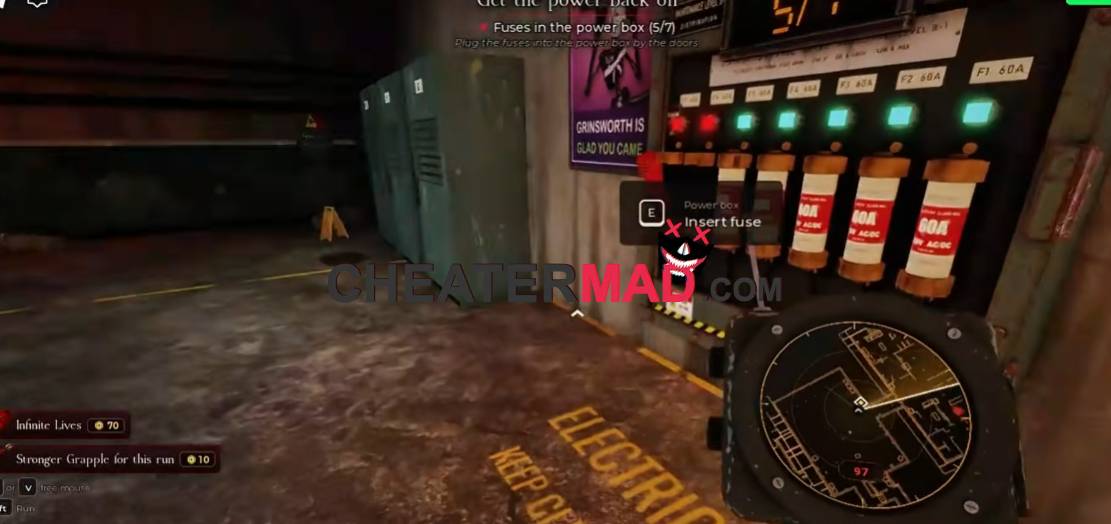
The detection settings give you control over how much you see. FATHOM Script Grinsworth has its own dedicated option, Threat Range sets how far threats are detected, Proximity Range customizes how close detection triggers, and Box Position changes where the boxes appear, the same adjustable-awareness approach behind the A Quiet Place Deadzone Script, where reading your surroundings early is what keeps you safe.
How To Use FATHOM Script
- Load into FATHOM and open your executor
- Paste the script code below
- Execute and give the menu a moment to load
- Set your Threat Range and Proximity Range first, then turn on the item options you need
Script Code:
loadstring(game:HttpGet("https://raw.githubusercontent.com/jeral1/We-are-Hajun-ware/refs/heads/main/Hajunware%20is%20big%20%3F"))()
